Getting in
Joined on a computer?
The app lives on your phone, the one you'll fish with.
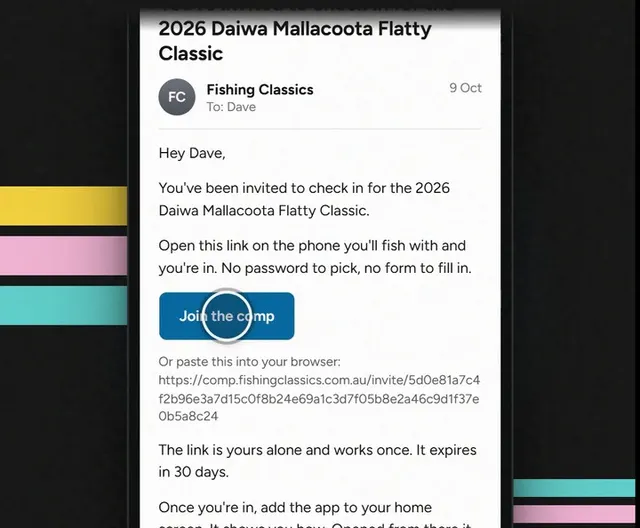
Step 1: On your phone, open the invite.
- The email says it: open it on the phone you'll fish with.
- Already used? That's fine. Tap Sign in.
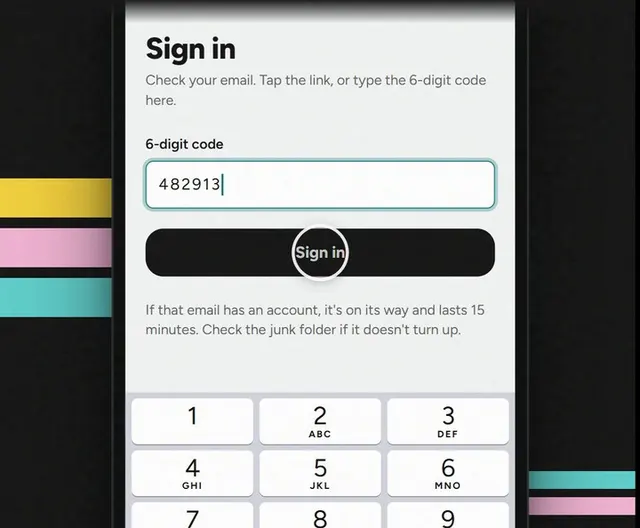
Step 2: Sign in with the code.
Put your email in, then type the 6-digit code from the email.
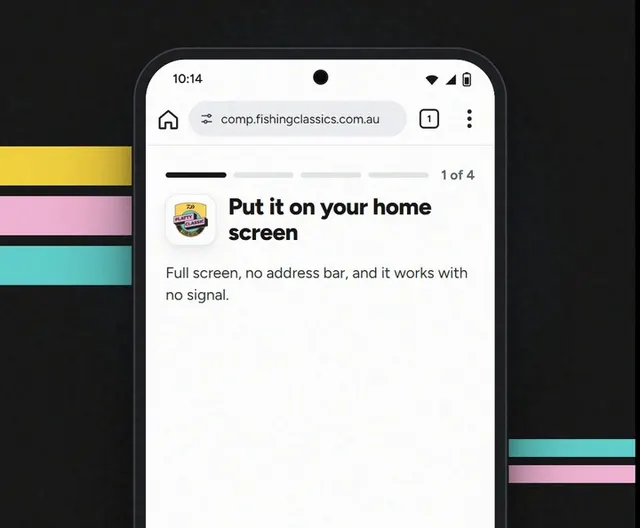
Step 3: Add it to your home screen.
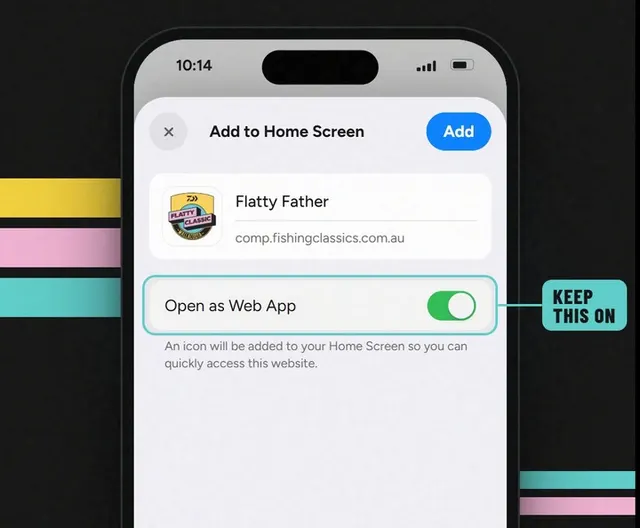
- Tap ⋯ at the bottom, then Share.
- Tap View More, then Add to Home Screen.
- Leave Open as Web App on, then tap Add.
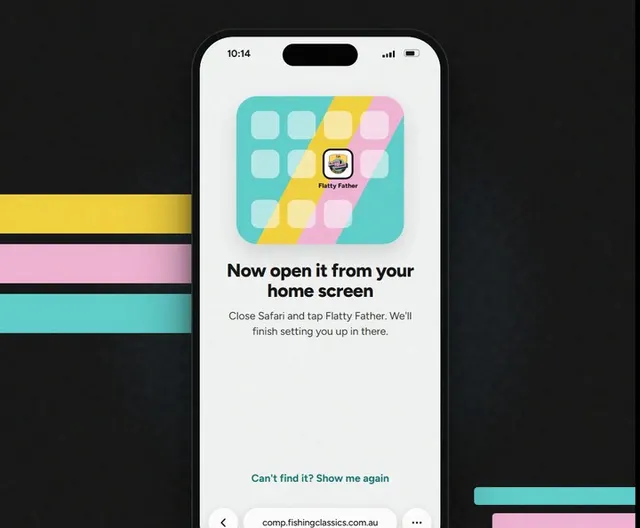
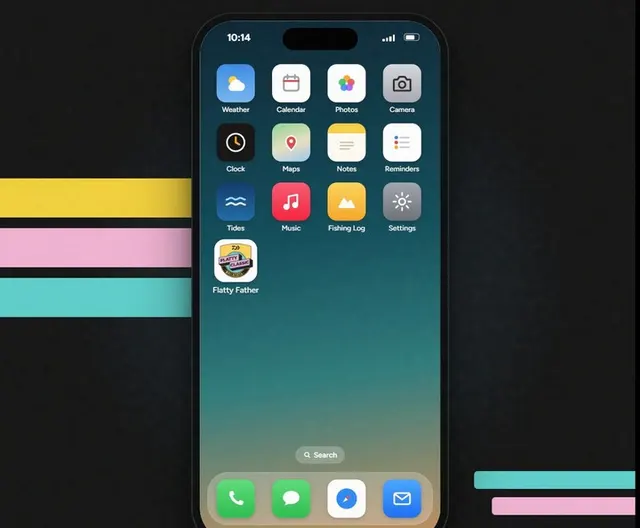
Step 4: Tap Flatty Father.
Asked to sign in again? Same as step 2.
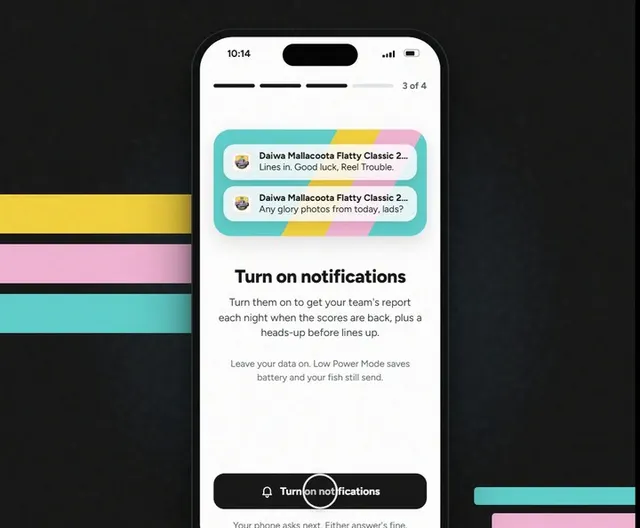
Step 5: Finish the last few screens.
Next, turn on notifications, then Let's fish.