Getting it on your phone
Still opening it in Safari?
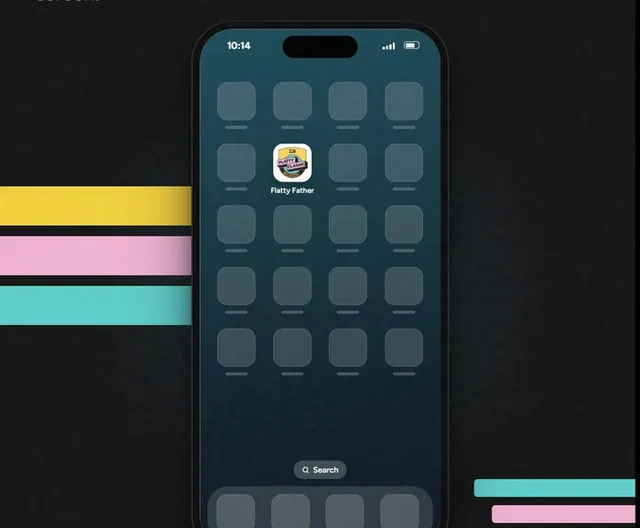
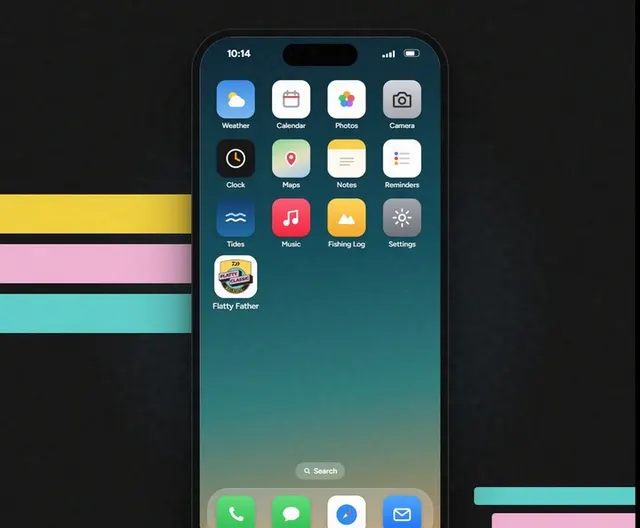
The Flatty Father icon on your home screen is the app. The email link and Safari aren't. Four steps and you're on the icon.
What you'll see
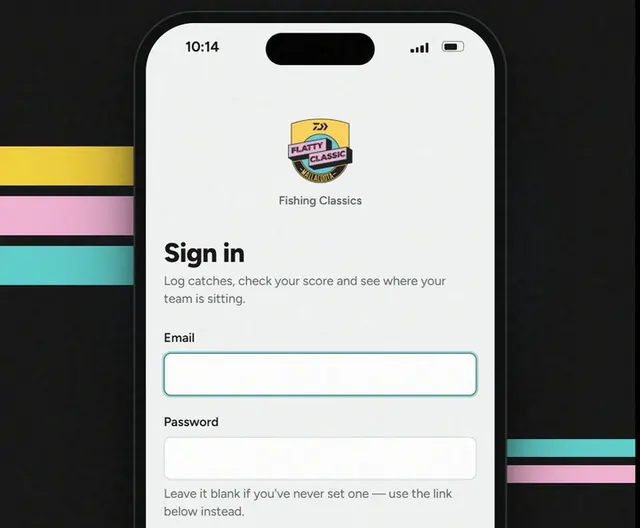
This is Safari, not the app.
The email link and Safari both land you here.
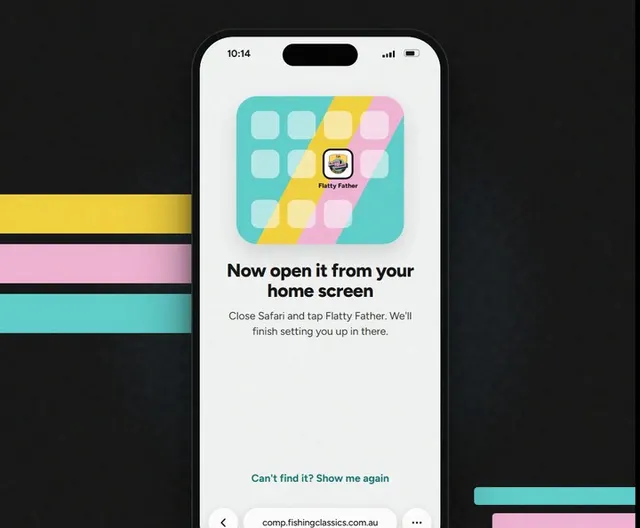
Step 1: No icon? Add it.
- Tap Can't find it? Show me again.
- Tap ⋯ at the bottom, then Share.
- Tap View More, then Add to Home Screen.
- Leave Open as Web App on, then tap Add.
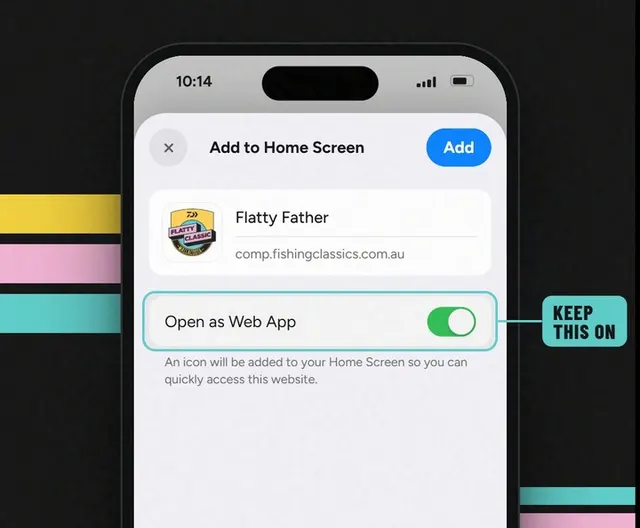
Step 2: Tap Flatty Father.
The icon is the app. Not the email, not Safari.
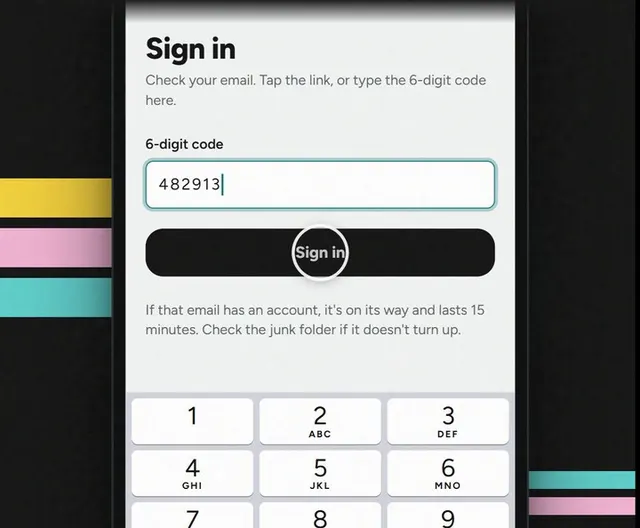
Step 3: Asked to sign in? Use the code.
Put your email in, then type the 6-digit code from the email.
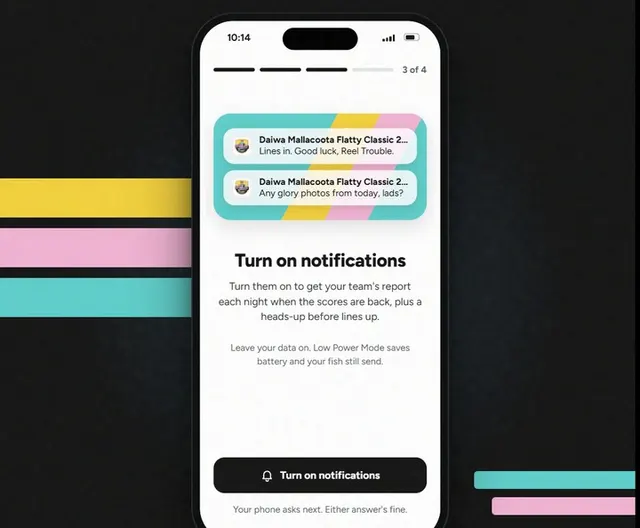
Step 4: Finish the last few screens.
Next, turn on notifications, then Let's fish.
Good to know
From now on, open it from the icon.
Not from the email or Safari.