Getting it on your phone
Not getting notifications?
Two ways, depending on your phone.
On an iPhone
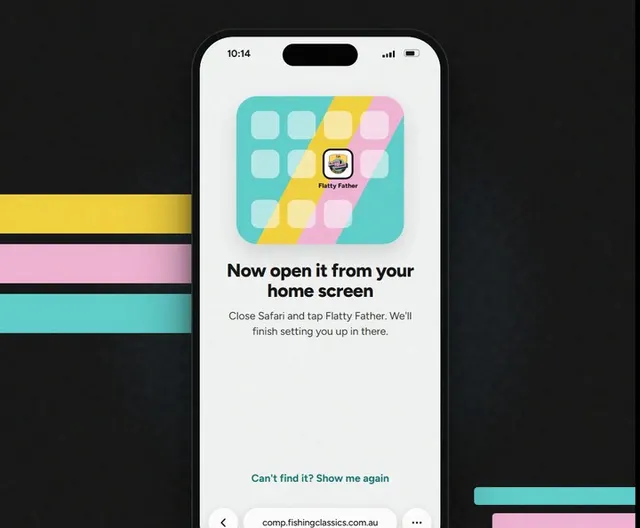
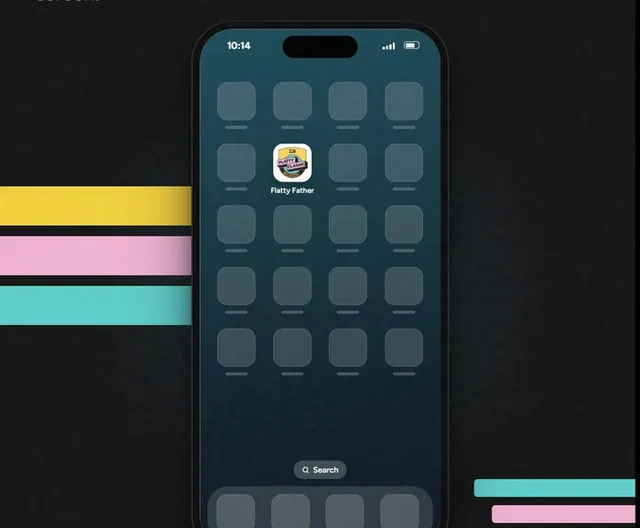
Step 1: Open it from your home screen.
On an iPhone, notifications only work in the app on your home screen.
Step 2: Turn them on.
Profile, then Your account. Tap Turn on, then Allow.
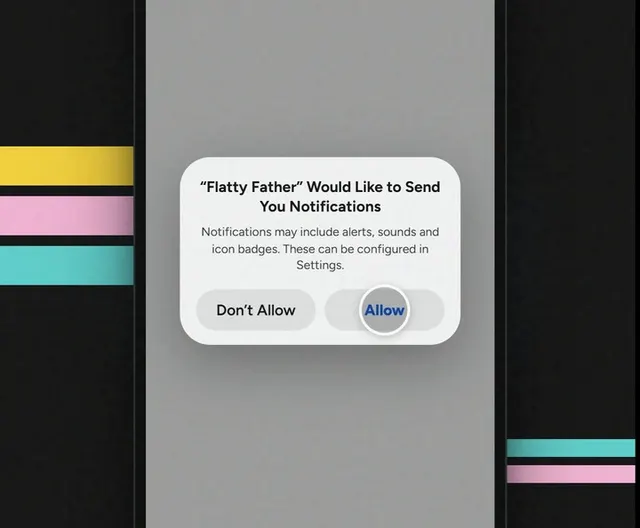
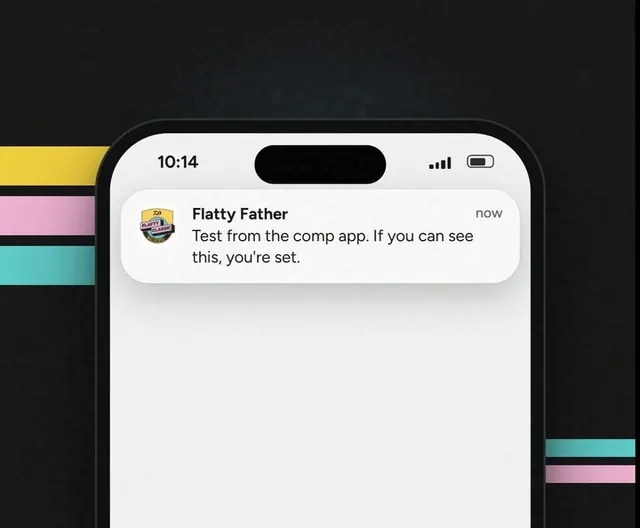
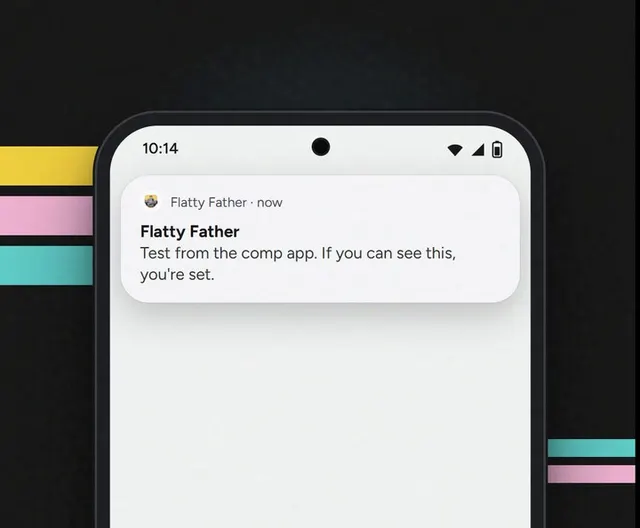
Step 3: Send yourself a test.
It lands in a few seconds. If it does, you're set.
On Android or Samsung
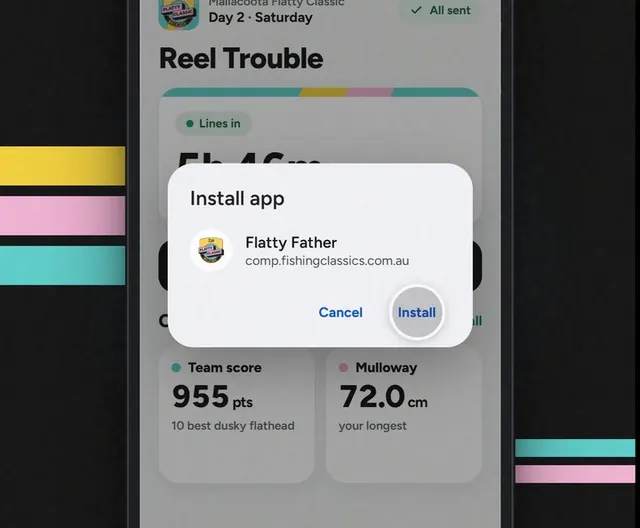
Step 1: Use the installed app.
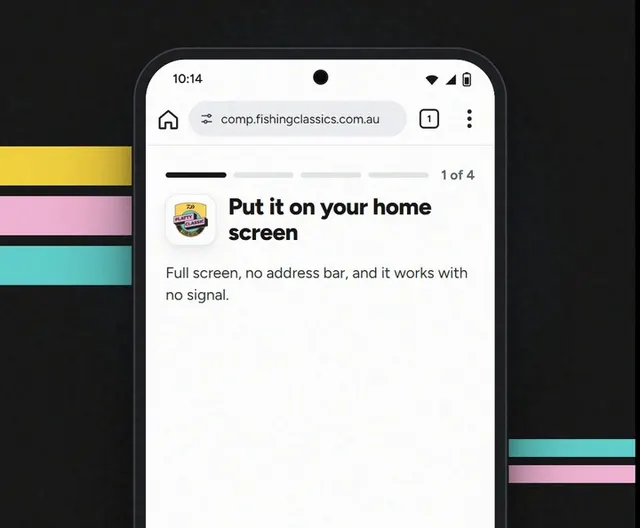
In Chrome, tap ⋮ then Install app. A shortcut only opens the browser.
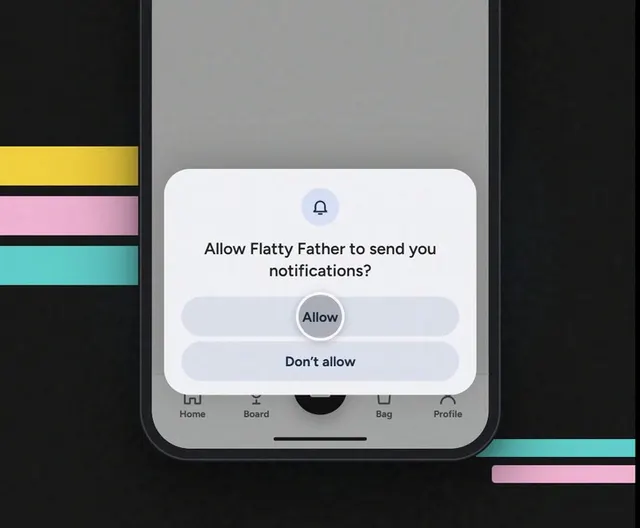
Step 2: Turn them on.
Same spot: Profile, Your account, Turn on. Then Allow.
Step 3: Send yourself a test.
Same button. It lands in a few seconds.
Good to know
Said no by mistake?
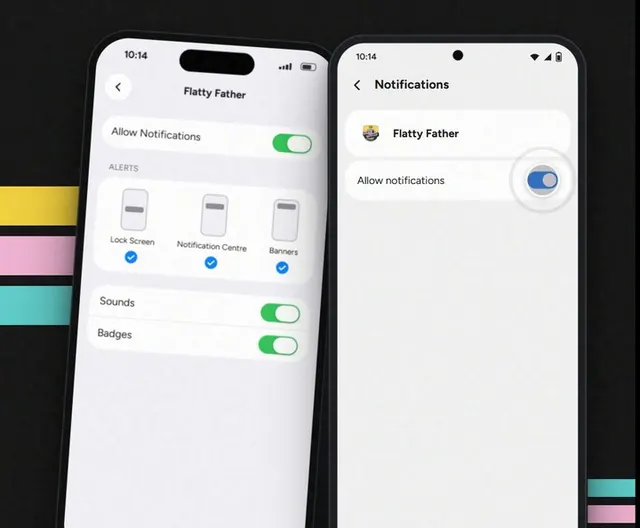
- iPhone: Settings › Notifications › Flatty Father.
- Android: Settings › Apps › Flatty Father › Notifications.