Getting it on your phone
On Android or Samsung?
Get the proper app: installed from Chrome, not a shortcut.
Step 1: Use Chrome.
- On a Samsung too: Chrome, not Samsung Internet.
- Asked to sign in? Your email, then the 6-digit code.
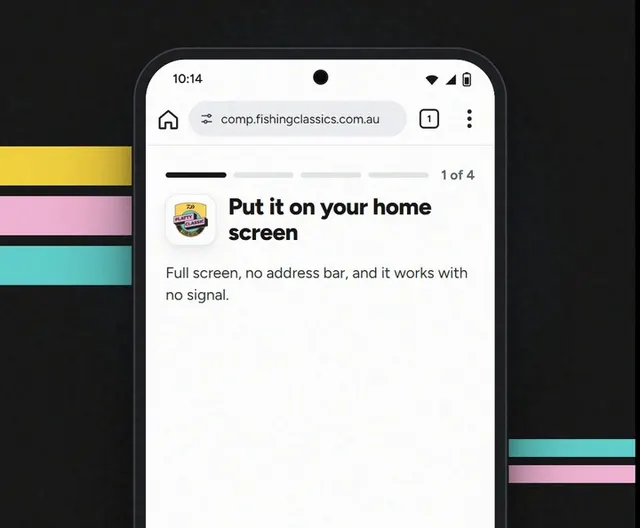
Step 2: Tap Add to home screen, then Install.
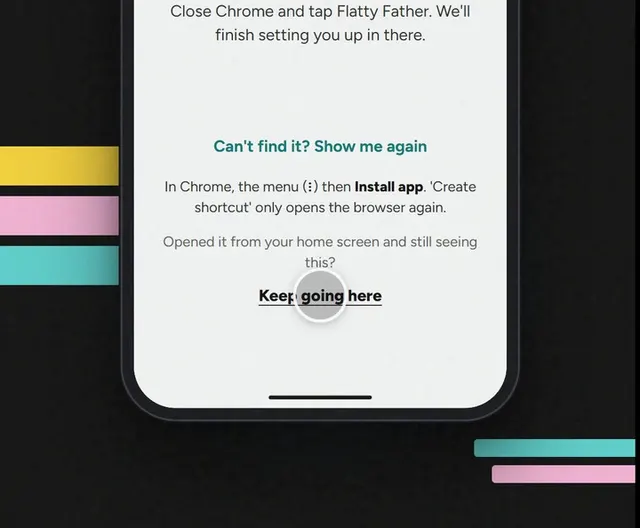
No button? Tap ⋮ top right, then Install app.
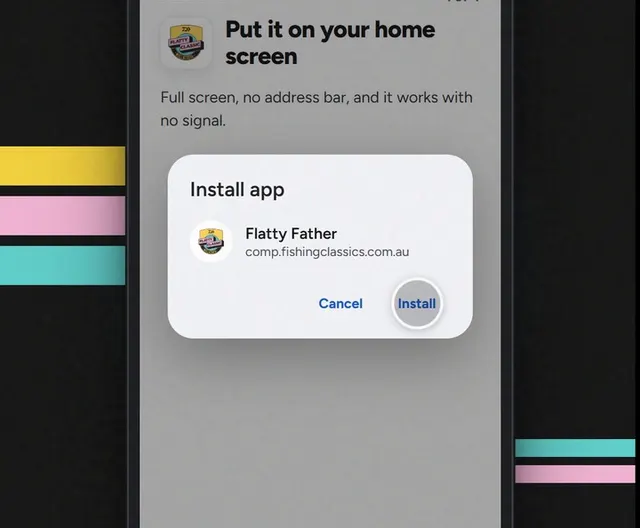
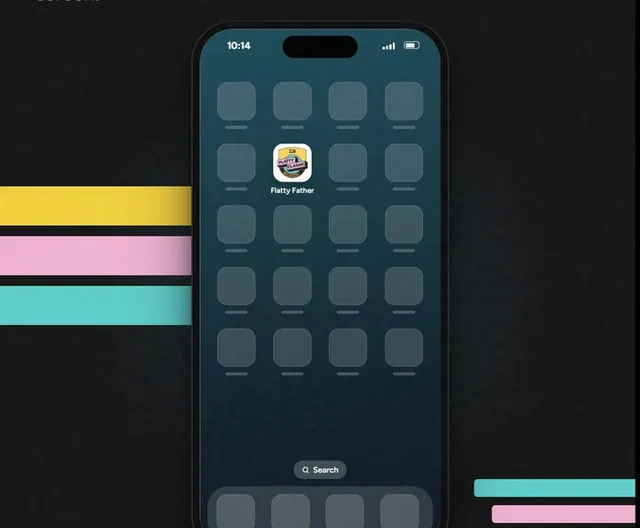
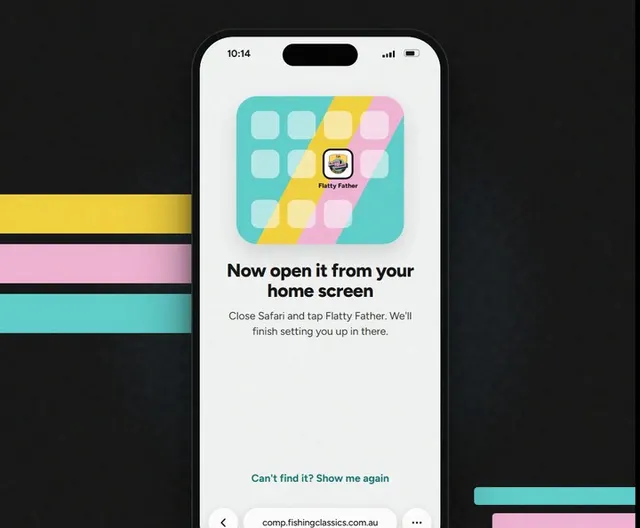
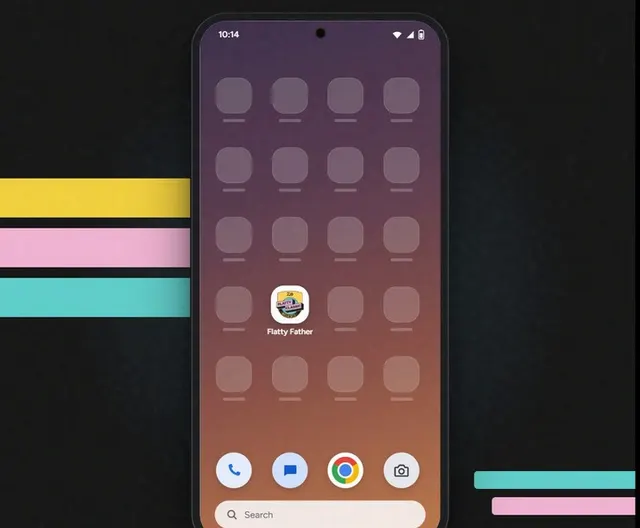
Step 3: Tap Flatty Father.
Close Chrome. The new icon is the app.
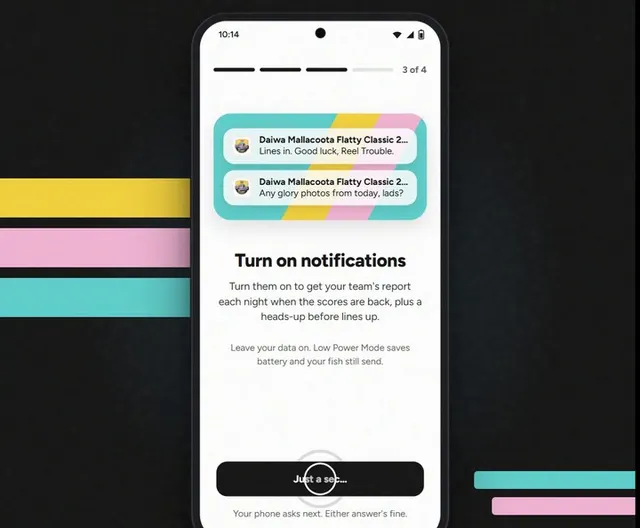
Step 4: Finish the last few screens.
Next, turn on notifications, then Let's fish.
Good to know
Icon opens the browser again?
That's a shortcut, not the app. Tap Keep going here.