On the water
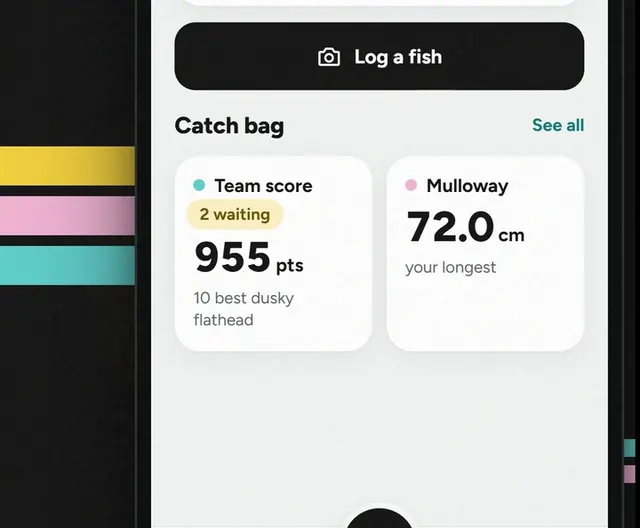
How to log a fish
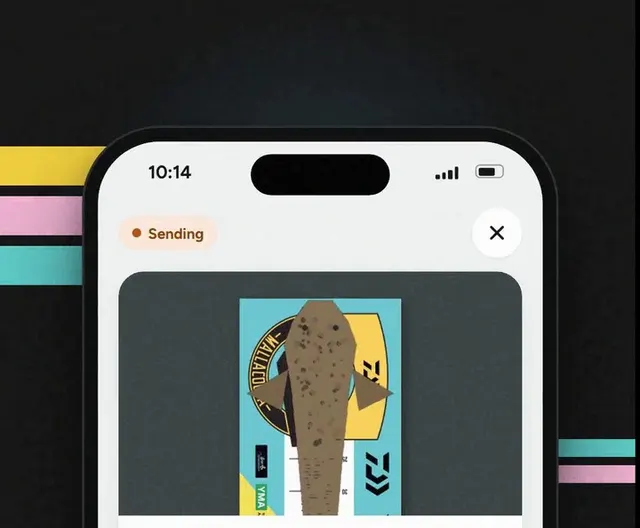
Five taps from the camera to saved.
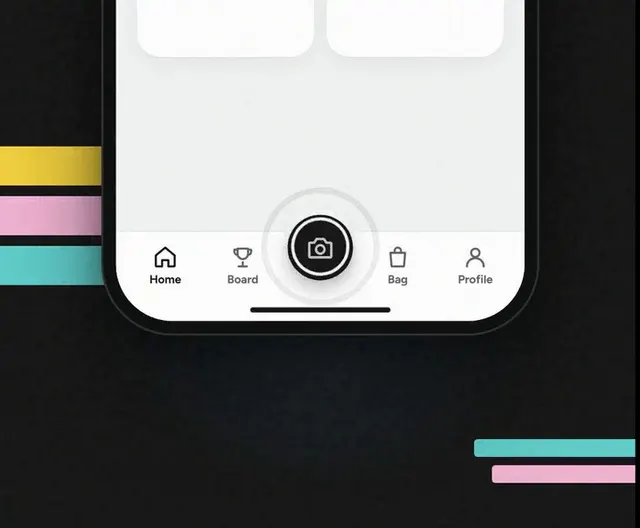
Step 1: Tap the camera.
The black button in the middle of the bottom bar.
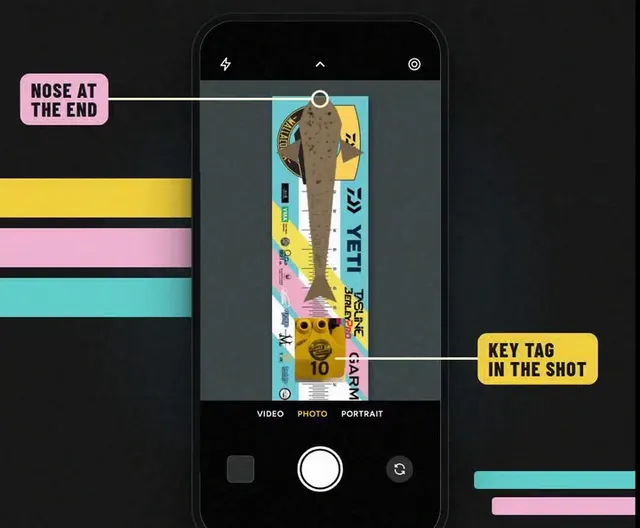
Step 2: Snap it on the bragmat.
- Whole fish, nose at the end, your key tag in the shot.
- Happy with it? Tap Use Photo.
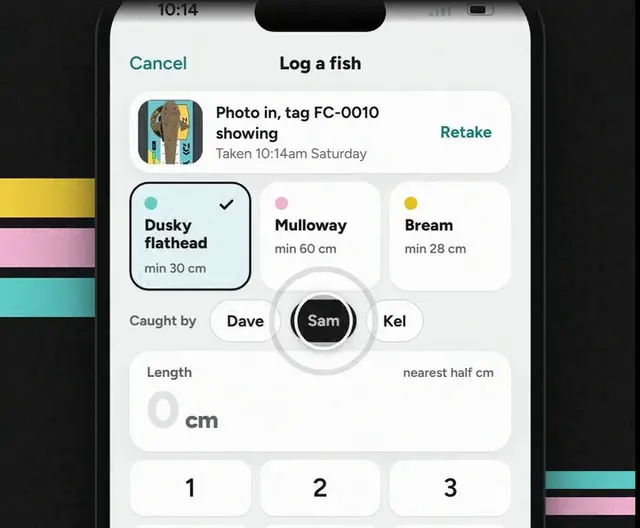
Step 3: Tap the species and who caught it.
Logging a mate's fish? Tap their name.
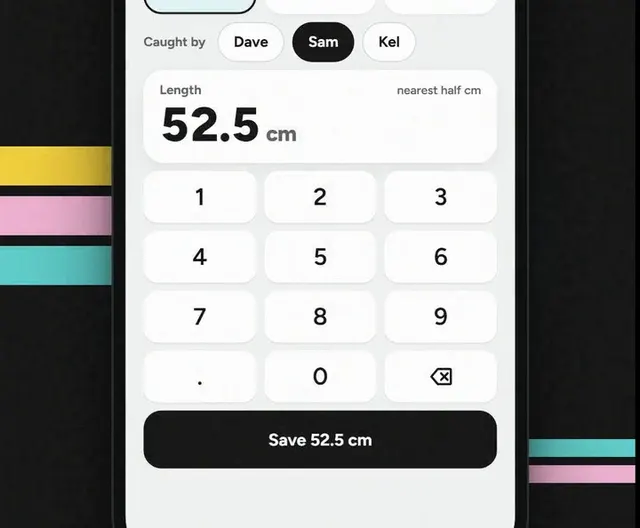
Step 4: Punch in the length.
To the nearest half centimetre.
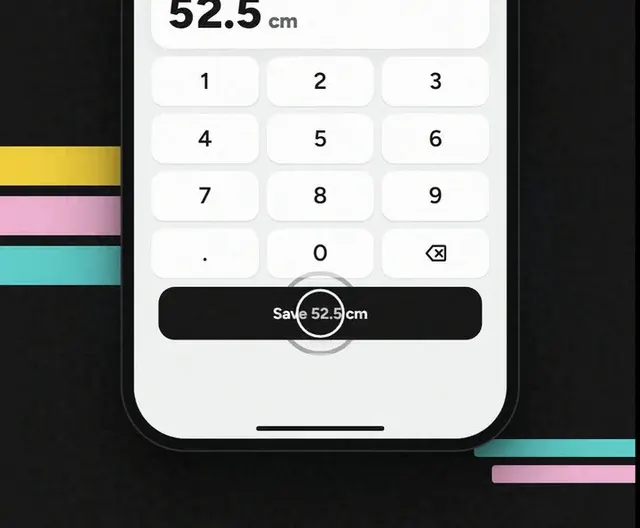
Step 5: Hit save.
A checker reads your key tag off the photo, then it counts.
Good to know
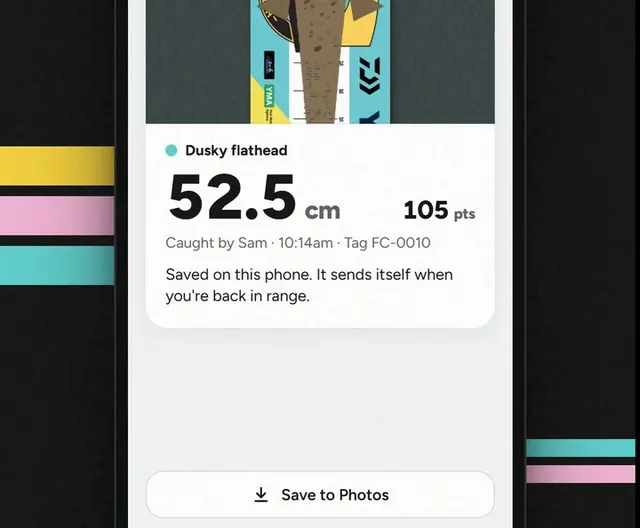
No signal? No worries.
It holds your fish and sends it when you're back in range.